You didn’t start a business to spend your evenings fighting with software. But here you are, googling “essential digital marketing tools every small business needs” at 11 pm because your competitor just outranked you again.
The truth is, most small businesses don’t lose to bigger budgets. They lose to disorganized marketing. The right stack fixes that without needing a full marketing team.
Every gap in your marketing has a tool built for it. Need a website up fast? Elementor gets it done. Want your emails to actually convert? Mailchimp handles that. Struggling to keep social media active without burning hours daily? Buffer takes care of it.
In this guide, we will take a look at some of the most essential tools that every small business needs for their digital marketing.
8 Essential Digital Marketing Tools Every Small Business Needs
Below are eight tools we’ve actually used, tested, and recommended to clients.
| No. | Tool | Free Plan Available | Paid Pricing Start From | Ease of Use |
|---|---|---|---|---|
| 1 | Elementor Pro | Yes | $5/mo (Essential Plan) | Beginner-friendly |
| 2 | Lovable | Yes | $25/mo (Pro Plan) | Beginner-friendly |
| 3 | Mailchimp | Yes (250 contacts) | $5.97/mo | Beginner-friendly |
| 4 | SEMrush | Yes (Limited) | $199/mo (Starter Plan) | Intermediate |
| 5 | Buffer | Yes | $5/mo | Beginner-friendly |
| 6 | HubSpot CRM | Yes | $15/mo | Intermediate |
| 7 | Canva | Yes | $5.19/mo | Beginner-friendly |
| 8 | Google Analytics (GA4) | Yes | Fully Free | Intermediate |
Let us look at each tool one by one.
1. Elementor Pro
| Metric | Detail |
|---|---|
| Category | Website builder |
| Best for | Building and editing WordPress sites without code |
| Free Plan | Yes, basic drag-and-drop editor |
| Paid Plan Pricing | $5/mo (Essential Plan) |
Elementor turns a blank WordPress site into a working page in an afternoon, letting you build without touching a single line of code yourself.
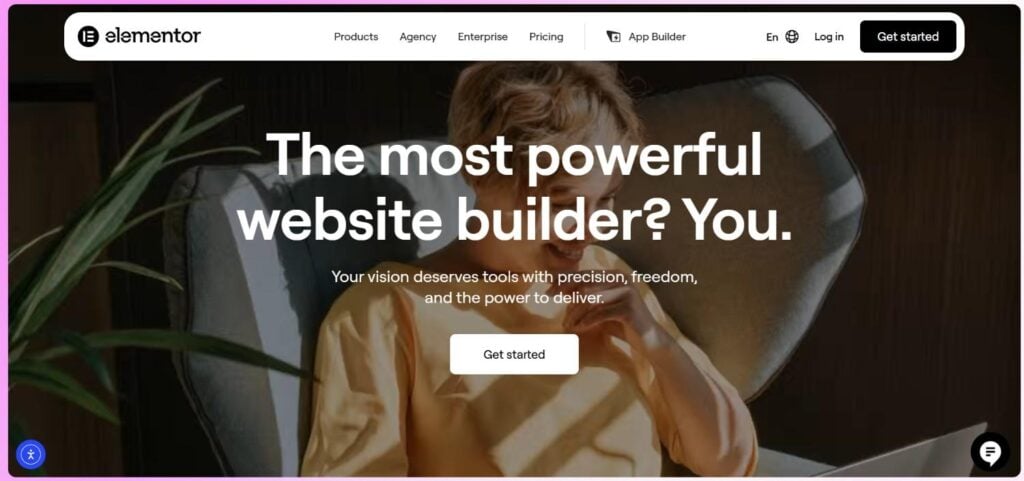
For small businesses, Elementor Pro solves a very practical problem: launching landing pages, sales pages, and even full WooCommerce stores without hiring a developer for every change. Higher-tier plans add dynamic content support, custom code and CSS, and 20+ WooCommerce-specific widgets covering everything from product pages to cart and checkout design.
We’ve used it on real client projects, and the drag-and-drop editor genuinely saves hours compared to hiring a developer for small edits. You can try Elementor Pro at a discounted price with the exclusive deals that we are bringing. Elementor Pro, with new added features, is a powerful tool for anyone in the digital marketing space.
What makes it particularly valuable for marketers is its built-in lead generation stack — the Form Builder integrates directly with popular marketing tools, while the Popup Builder lets you create targeted popups with display conditions to capture leads at the right moment. Elementor currently powers over 22 million websites, which speaks to how deeply it’s embedded in the WordPress ecosystem
Key Strength
- Drag-and-drop editing needs zero coding
- Huge template library saves design time
- Works with almost every WordPress theme
- Mobile responsiveness is handled automatically
Limitations
- Can slow down sites if overloaded with widgets
- Learning curve for advanced dynamic content
2. Lovable
| Metric | Detail |
|---|---|
| Category | AI app and website builder |
| Best for | Founders who want a functional site or app fast, without hiring a developer |
| Free Plan | Yes, limited monthly credits |
| Paid Plan Pricing | From $25/mo (Pro Plan) |
Lovable builds working prototypes from plain English prompts, which makes it genuinely useful for testing a business idea before paying a developer to build it.
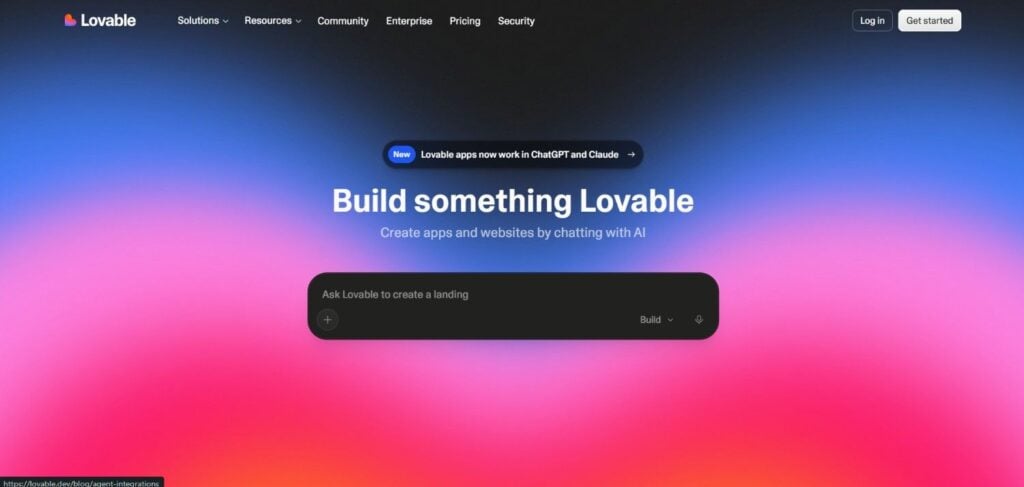
We’ve watched a rough concept turn into a clickable app in minutes, which is rare for a tool this beginner-friendly and affordable.
Key Strength
- Generates functional apps from simple prompts
- Great for MVPs and quick landing pages
- No development background required
- Fast iteration on design changes
Limitations
- Credits run out quickly on complex builds
- Not a full replacement for custom development
3. Mailchimp
| Metric | Detail |
|---|---|
| Category | Email marketing |
| Best for | Small businesses sending newsletters and automated campaigns |
| Free Plan | Yes, up to 250 contacts |
| Paid Plan Pricing | From $5.97/mo |
Email still earns the highest return of any marketing channel, and Mailchimp makes that return easy to reach even without prior marketing experience.
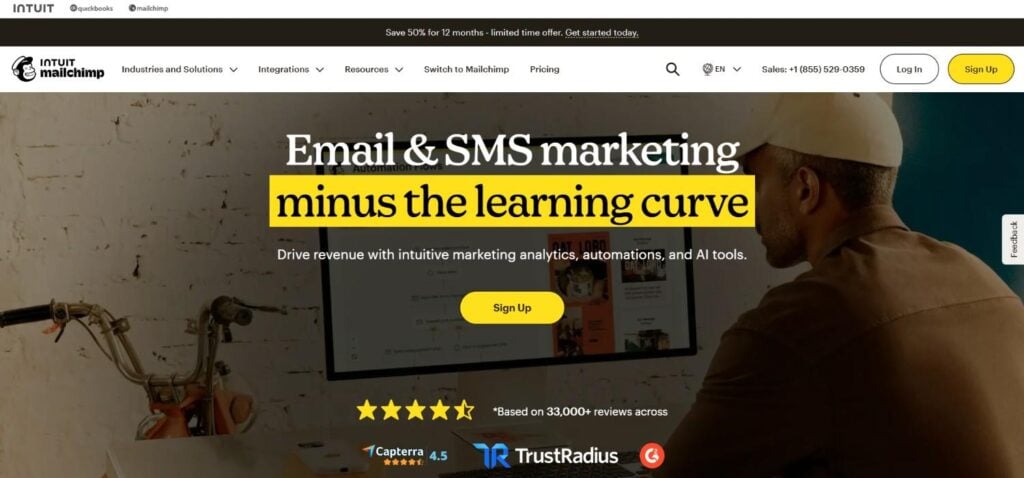
We’ve set up welcome sequences and abandoned cart flows in under an hour, and the automation keeps running quietly in the background afterward.
Key Strength
- Simple drag-and-drop email designer
- Built-in audience segmentation
- Automation for welcome series and abandoned carts
- Decent free tier for early-stage businesses
Limitations
- Free plan sending limits fill up fast
- Advanced automation sits behind pricier plans
4. SEMrush
| Metric | Detail |
|---|---|
| Category | SEO and competitor research |
| Best for | Keyword research, site audits, and tracking rankings |
| Free Plan | Yes, limited daily searches |
| Paid Plan Pricing | From $199/mo (Starter Plan) |
SEMrush shows exactly what your competitors rank for, which makes it easier to spot content gaps you would otherwise spend months guessing at.
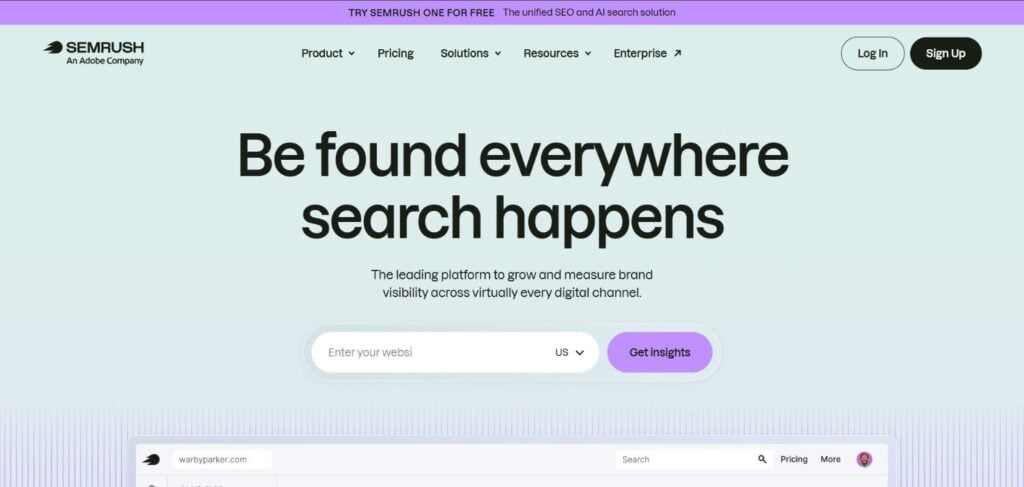
We check it weekly for client accounts, and the site audit feature alone has caught technical SEO issues we would have missed.
Key Strength
- Deep keyword and competitor data
- Site audit flags technical SEO issues
- Rank tracking updates daily
- Covers SEO, PPC, and content research in one place
Limitations
- Pricing is steep for solo founders
- Interface takes time to learn fully
5. Buffer
| Metric | Detail |
|---|---|
| Category | Social media scheduling |
| Best for | Planning and publishing posts across platforms |
| Free Plan | Yes, 3 channels |
| Paid Plan Pricing | From $5/mo per channel |
Buffer keeps social posting consistent without requiring you to log into five different apps every single day just to stay active online.
The interface stays simple even as you add channels, and we’ve never had a scheduled post fail to publish on time.
Key Strength
- Clean interface, minimal learning curve
- Affordable per-channel pricing
- Solid analytics on post performance
- Browser extension for quick content imports
Limitations
- Fewer advanced listening features than rivals
- Free plan caps scheduled posts per channel
6. HubSpot CRM
| Metric | Detail |
|---|---|
| Category | Customer relationship management |
| Best for | Tracking leads, deals, and customer conversations in one place |
| Free Plan | Yes, generous free tier |
| Paid Plan Pricing | From $15/mo |
HubSpot now runs a majority of small business CRM installations, and that popularity comes from how little setup it needs to get moving.
We log calls and emails automatically once it’s connected, and the free tier stays genuinely usable well past the early stage.
Key Strength
- Free tier is genuinely usable long-term
- Logs emails and calls automatically
- Integrates smoothly with Mailchimp and forms
- Visual pipeline makes follow-ups easy to track
Limitations
- Costs rise quickly once you add marketing hubs
- Some automation needs paid tiers
7. Canva
| Metric | Detail |
|---|---|
| Category | Graphic design |
| Best for | Social posts, flyers, and presentations without a designer |
| Free Plan | Yes, large template library |
| Paid Plan Pricing | From $5.19/mo |
Canva is the fastest way to keep branding consistent when you don’t have a designer on staff or budget for one anytime soon.
We reach for it before almost anything else for client social graphics, since templates cut design time down dramatically.
Key Strength
- Massive free template and stock photo library
- Drag-and-drop editor needs no design skill
- Brand kit keeps colors and fonts consistent
- AI tools speed up resizing for each platform
Limitations
- Advanced photo editing is limited versus Photoshop
- Some premium elements need the paid plan
8. Google Analytics (GA4)
| Metric | Detail |
|---|---|
| Category | Web analytics |
| Best for | Understanding where traffic comes from and what it does on your site |
| Free Plan | Yes, fully free |
| Paid Plan Pricing | Free (GA4 360 available for large enterprises) |
GA4 remains the most widely installed analytics platform on the web, making it the closest thing to a universal standard for measuring results.
It takes a little getting used to at first, but once set up, it quietly answers most questions about where your traffic actually comes from.
Key Strength
- Completely free for small business use
- Tracks conversions, traffic sources, and user paths
- Integrates directly with Google Ads and Search Console
- Custom reports help you focus on what matters
Limitations
- Interface feels technical for first-time users
- Data can take 24 to 48 hours to fully process
Why Small Businesses Can’t Afford to Ignore Digital Marketing Tools
Guesswork is expensive. Without data, you’re spending money on ads and content hoping something sticks.
These essential tools for digital marketing replace guesswork with evidence. You see what customers click, open, and buy, then double down on it.
How to Pick the Right Tools For your Business
Start with your biggest bottleneck, not the flashiest tool. If leads slip through the cracks, fix your CRM before touching social media scheduling.
Budget matters too. Most tools on this list offer free plans, so you can test before committing any money.
Also think about your team size. A solo founder needs simpler, all-in-one options. A five-person team can handle more specialized tools working together.
How These Tools Work Together (The Real Advantage)
None of these tools do their best work alone. Canva graphics get scheduled through Buffer. Buffer traffic gets tracked in GA4.
Mailchimp captures the leads that HubSpot then nurtures into paying customers. SEMrush data tells Elementor which pages need a content refresh.
That connected loop is what separates businesses that grow steadily from ones that just look busy online.
Conclusion: Choose the Tools Based on Your Needs
You don’t need twenty tools to market a small business well. You need the right eight, used consistently, and connected to each other.
Start with whichever tool solves your most painful problem today. Add the rest as your business and budget grow.
These best tools for small businesses aren’t about doing more. They’re about doing the right things, measurably, without burning out.
FAQs
A website builder, email platform, CRM, SEO tool, design tool, social scheduler, and analytics platform cover the core of most small business marketing needs.
No. Every tool on this list, except SEMrush’s full plan, offers a usable free tier to start with.
Google Analytics and a website builder like Elementor come first. You need a site and data before anything else makes sense.
Yes, especially early on. Most solopreneurs run this exact stack without hiring extra help, thanks to how beginner-friendly these tools have become.
SEMrush finds keyword opportunities, GA4 tracks what’s working, and Elementor lets you act on both quickly through on-page changes.